How to turn lecture PDFs into flashcards in 30 seconds
The fastest, no-typing workflow for converting a slide deck or PDF reading into clean, high-quality AI flashcards — without losing the formulas, definitions, or diagrams that actually show up on the exam.
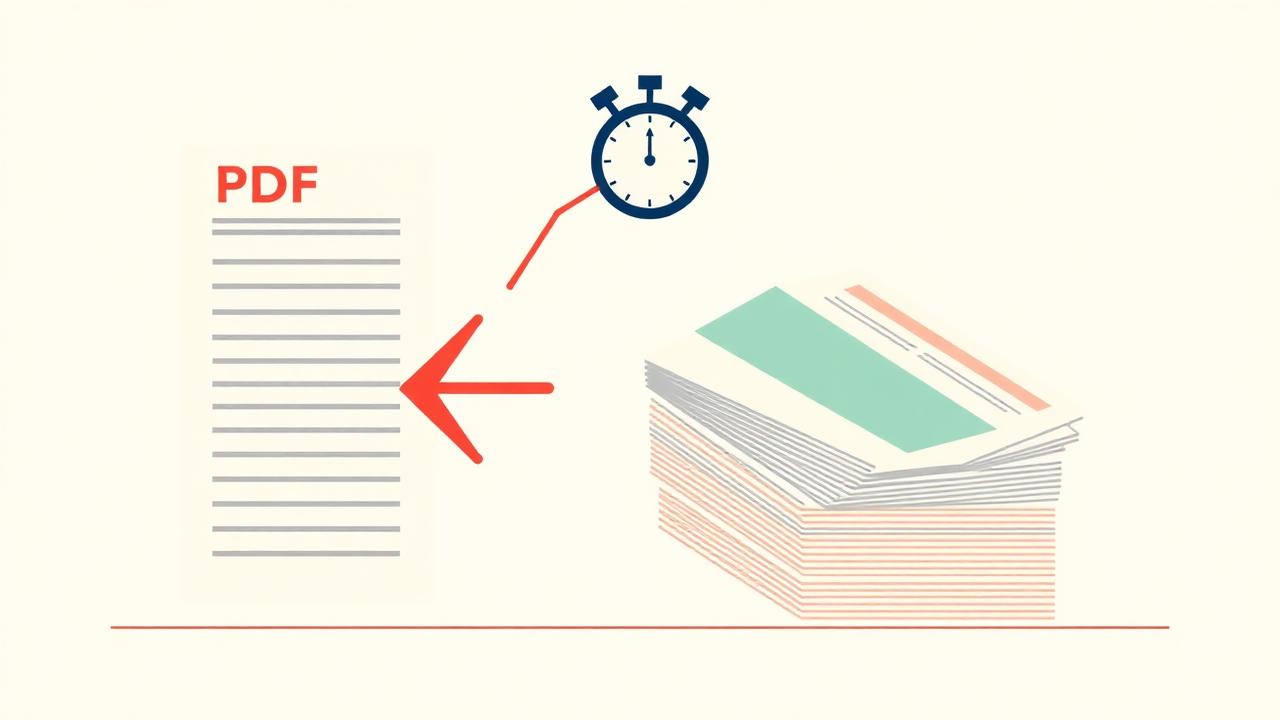
You have a 60-slide lecture PDF and an exam on Friday. Re-reading is slow and re-typing is slower. Here's the exact workflow students at UCLA, NYU and McGill use to go from PDF download to actually-good flashcards in under a minute.
The 30-second version
- Open QuickCards' PDF → flashcards tool (no signup).
- Drop your lecture PDF. Up to 50 pages on free, 200+ on Pro.
- Hit Generate. The AI reads every slide, pulls out the testable units, and turns each one into a clean front/back card.
- Save the deck. You can now study, quiz, or play a game with it.
Why this beats Quizlet's "import"
Quizlet's import expects you to already have a Term — Definition list. With a real lecture PDF, you don't — you have prose, diagrams, and equations. QuickCards extracts the structure for you:
- Slide headers become front prompts.
- Bullet points become backs, condensed to one idea per card.
- LaTeX-style math is preserved with proper rendering.
- Bolded terms become cloze deletions when it makes sense.
- Diagrams can be turned into image-occlusion cards (Pro).
Pro tips that actually move the needle
Upload the slides, not the recording
Slide PDFs are dense with the exact wording your professor uses on the test.
Add a hint of context
"This is AP Bio Unit 5 on cell signaling" tells the AI to weight pathways over trivia.
Edit, don't re-generate
Spot a wrong card? Click it, fix the back, move on. Faster than re-running the AI.
Schedule with SRS the same day
Enabling spaced repetition on a fresh deck takes one click and starts the forgetting clock.
What about handwritten notes and photos?
Same workflow, different door. Use Image → flashcards for whiteboard photos or handwritten pages. The vision model reads handwriting, equations and diagrams.
FAQ
Does it work with locked Canvas PDFs? Yes — download the PDF first, then upload.
How long does it really take? Average 15–30 seconds for a 30-slide lecture. Big readings (100+ pages) take ~1–2 minutes.
Is it free? Yes, on the Free plan you get 3 generations/month. Pro is unlimited.