AI Deck Translation: Turn Any Flashcard Deck Into Any Language in One Click
Studying for a French AP exam with English notes? Teaching ESL students from a Spanish-language anatomy deck? QuickCards now translates entire flashcard decks into 100+ languages — every card, every hint, every mnemonic — without breaking a single piece of formatting.
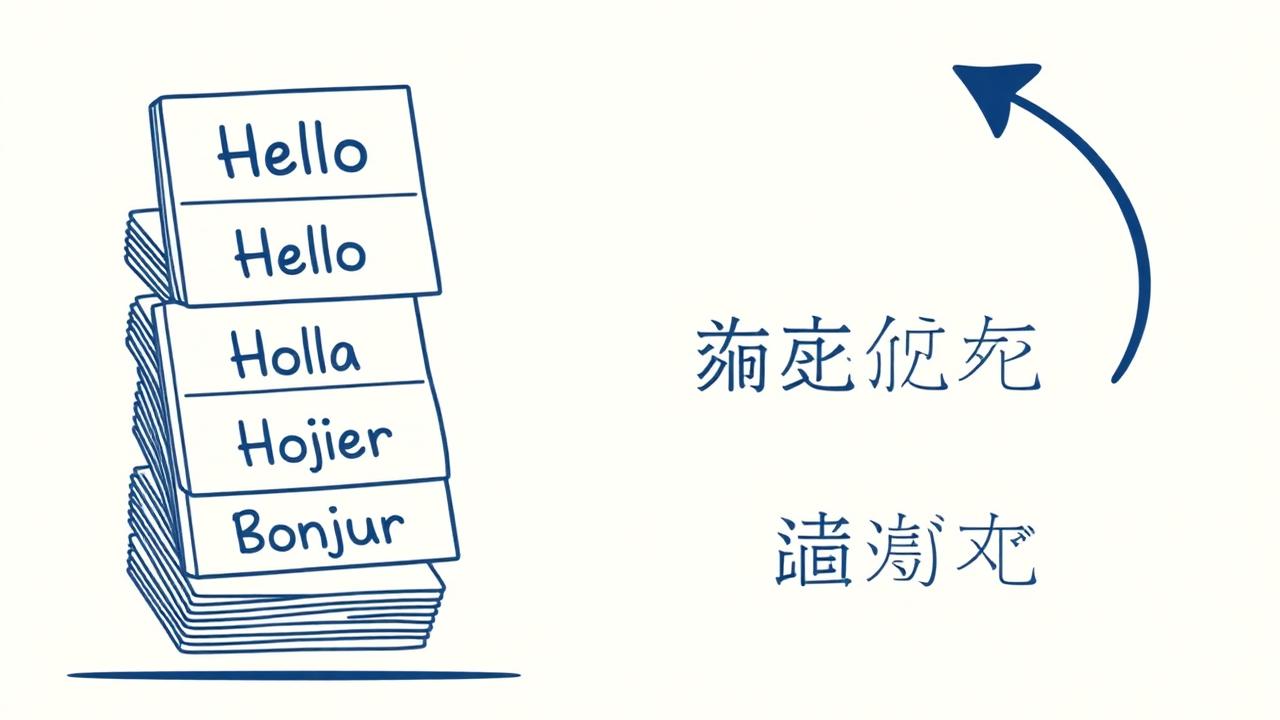
What it does
Pick a deck, choose a target language, and Pro Max translates:
- Card fronts and backs
- Multiple-choice options + correct answers
- Cloze deletions (preserves blanks)
- Memory hooks, analogies, mnemonics
- Language Learning Mode metadata (IPA, examples, gender)
- Deck title and description
Why it matters
Most "translate flashcards" tools strip your cards down to one front and one back, losing the context that made the original deck worth studying. QuickCards is built differently:
- Zero card loss. Same card count, same order, same images.
- Preserves formatting. Markdown, math notation, and image references stay intact.
- Save as new deck or replace. Keep both versions side-by-side or overwrite in place.
Use cases
Take any English study deck and instantly have the Spanish version to practice both vocabulary and content at once.
Teachers can prep one deck in English and ship parallel translated decks to ESL students in seconds.
USMLE prep decks translated into your native language so you grasp the concept before drilling the English term.
Found a great Japanese deck on the QuickCards community? Save it, translate it, study it.
How to translate a deck
- Open any deck you own on your dashboard.
- Click the deck's ••• menu → Translate deck.
- Type or pick a target language (French, Mandarin, Swahili, anything).
- Choose "New deck" (safer) or "Replace in place".
- Click Translate. ~10–20 seconds later, your new deck opens for review.